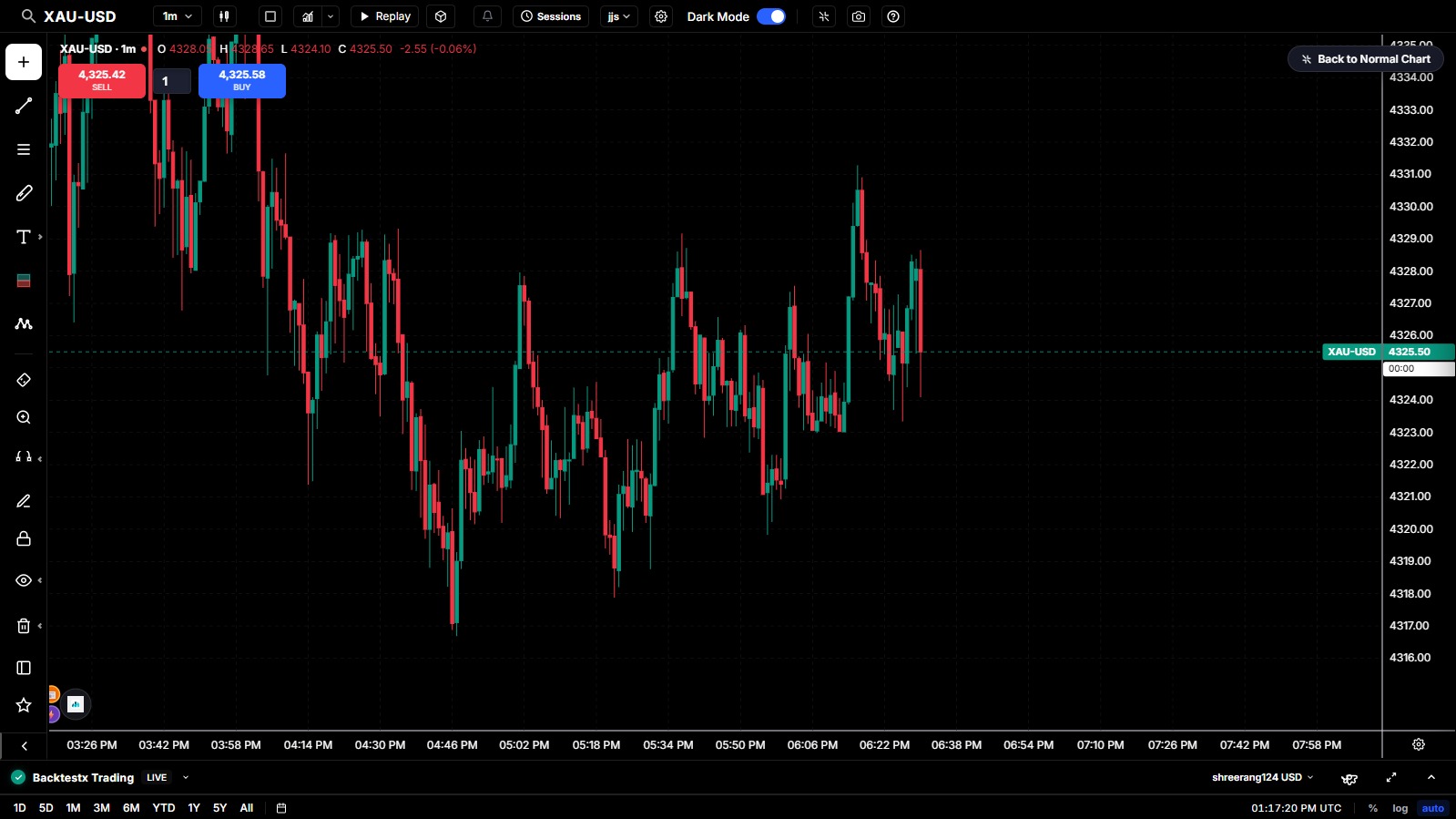
90% of trading platforms rely on TradingView's proprietary charts. We custom-built our high-performance, canvas-driven charting engine from scratch, providing the exact same TradingView experience, click-to-click dual-mode drawings, mobile touch crosshair integration, and a complete suite of custom indicators.
Take complete control over your technical charting analysis using BacktestX custom chart tools.
Designed to match the exact aesthetics, mouse clicks, and drawing behaviors of TradingView so traders feel right at home instantly.
Engineered from the ground up on HTML5 Canvas. Experience smooth scaling, real-time indicator updates, and fluid panning with zero latency.
Full support for precise mobile view drawing. Tap to place points at crosshair coordinates without fingers blocking the view.
Explore all drawing tools, technical indicators, timeframes, chart settings, order panels, and replay systems built directly into the charting library.
79 interactive drawing utilities including Trend Lines, Parallel Channels, Fibonacci levels, Elliott Waves, harmonic patterns, and custom annotations.
Over 45 advanced overlays and oscillators: EMAs, Bollinger Bands, RSI, MACD, SMC (Smart Money Concepts), Order Blocks, and Fair Value Gaps.
Market operating hours, pre-market/post-market sessions, session breaks, DST alignments, and local timezone coordinate conversions.
Predefined standard timeframes, custom intervals, and split-screen layouts (1 to 16 charts) with synchronized timeframe, symbol, and crosshairs.
Interactive buy/sell ticket modals, floating buttons, drag-and-drop order lines, broker connection forms, and bottom asset positions ledgers.
TradingView-style alert modal parameters, active crossing checks, app notification sound triggers, and horizontal threshold dash lines on the canvas.
Log/percent axes, bid/ask labels, OHLC toggles, watermark details, solid/gradient viewport fills, and candlestick color themes (body, wicks, borders).
Backtesting simulation using play/pause automatic continuous timer updates, speed sliders, and manual frame-by-frame increments.